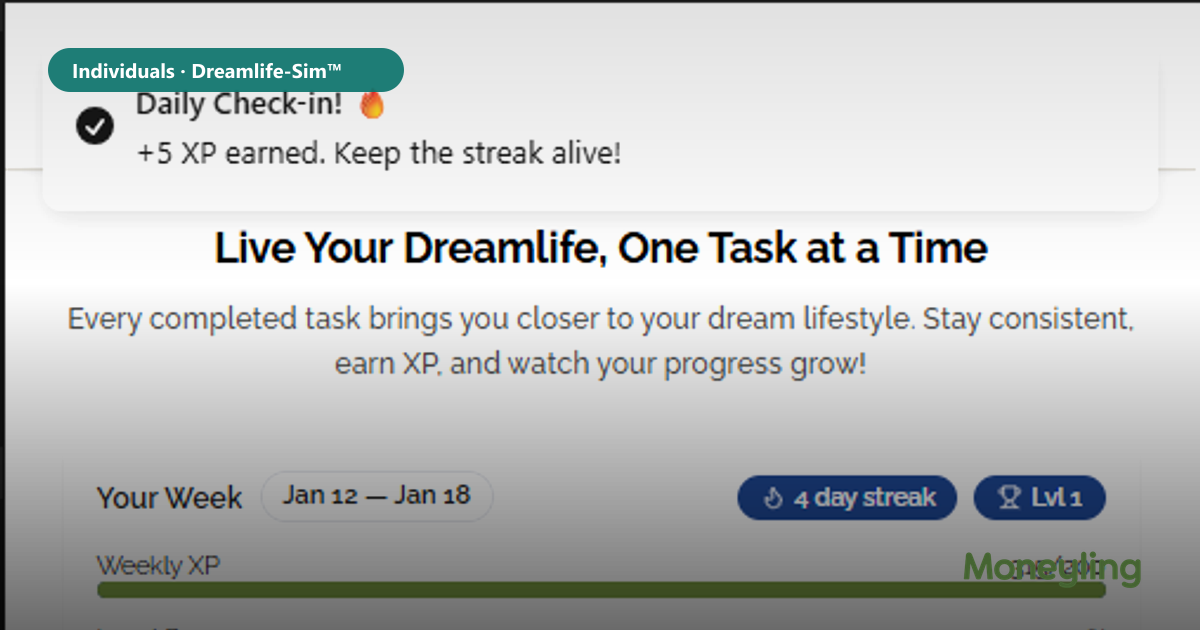
Downloads only help if the second open happens. Dreamlife-Sim™ is designed for a weekly login: adjust your pathway, finish a few micro-tasks, pick up a timely micro-lesson.
Same product whether you install from Google Play, the App Store, or open the web app. Choose the channel that matches your phone habits—not a separate “lite” story.
Start free. Build one SMART goal. Let XP and lessons reinforce consistency the way streaks work in fitness apps—applied to money decisions.
Pick your install path
Google Play: search Dreamlife-Sim or open the listing from https://www.moneyling.org/individuals.
App Store: same brand—Dreamlife-Sim Finance Coach listing.
Web: https://dreamlife.moneyling.org — no download required to try.
What you practice after install
Lifestyle and career tradeoffs, location cost comparisons, retirement compounding views, and weekly SMART goals with micro-tasks.
Education-scoped AI-facing agents help sequence work; they do not replace your credit union, bank, or advisor.