Teachers do not need another bookmark that students forget by third period.
Moneyling™ is 1EdTech® TrustEd Apps™ Certified. That mark matters because it backs what educators ask for every semester: standards-aligned personal finance that lives inside Google Classroom (Add-on), Moodle, Schoology, other district LMS platforms, and the Moneyling™ LMS—find us everywhere you and your students are.
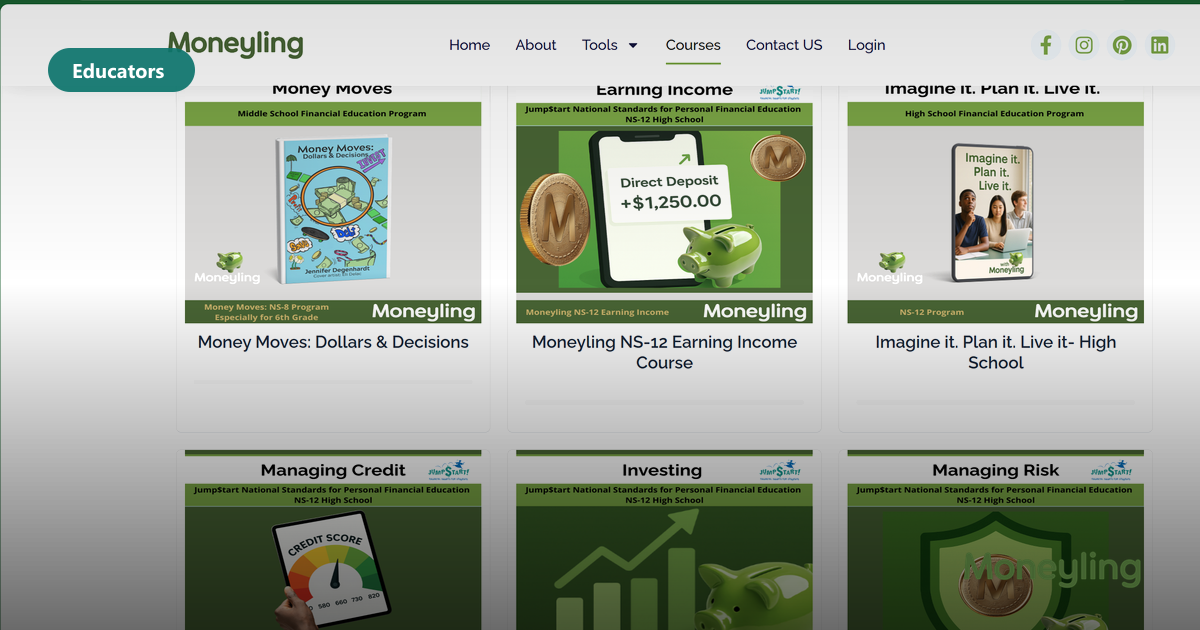
Curriculum still covers the core National Standards topics—earning, saving, spending, investing, credit, managing risk—plus Decision Making, SMART Goals, and Quantitative thinking math integration. Story-based lessons keep Cari, Richie, Amelia, Beatriz, Mallory, and Marquis in the room so money decisions feel human, not abstract.
Quick register, then add us where you already teach. Less tech theater. More teaching.
What TrustEd Apps Certified means on a Tuesday
Interoperability that respects district workflows—launch, rostering patterns, and progress that fit how your building already runs—not a fragile one-off login students lose overnight.
Pair it with COPPA/FERPA-aware delivery and Jump$tart-aligned scope so administrators see compliance and standards, not just a fun assembly.
Classroom, Moodle, Schoology—same story spine
Google Classroom (Add-on) is available via Google Workspace Marketplace. Moodle, Schoology, and other district LMS paths let teachers assign without rebuilding the unit from scratch.
Prefer the Moneyling™ LMS for auto-graded quizzes, dashboards, and full NS-8 / NS-12 programs—hybrid whiteboard weeks still work when you need screens off.
Keep Decision Making and SMART Goals visible
When students debate a purchase or a first paycheck split, require a short decision artifact—matrix or pros/cons—then a dated SMART goal. That is the same muscle Dreamlife-Sim™ rewards after graduation.